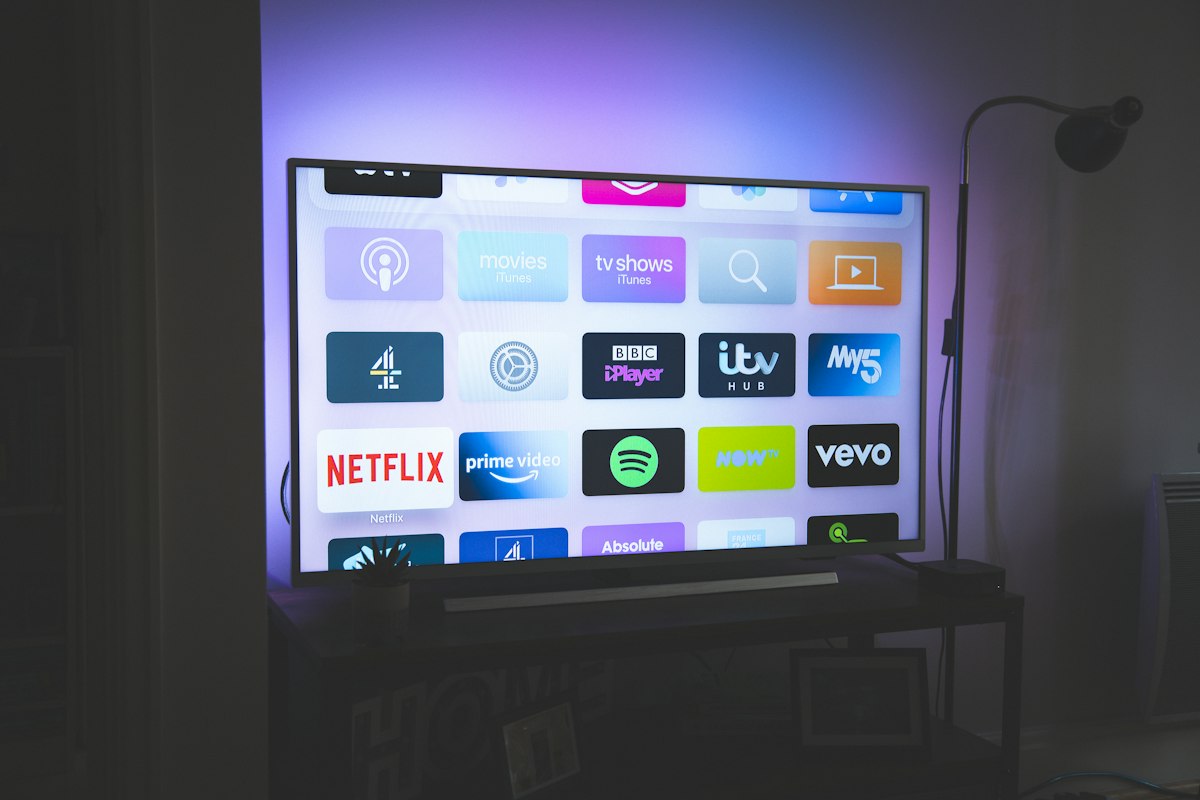
The same IPTV subscription can look flawless on one device and unwatchable on another. The difference isn't luck — it's decoding capability, RAM, network options, and app support. Before blaming your provider, make sure your hardware isn't the bottleneck.
This free checker profiles the 15 most popular IPTV devices of 2026: maximum output resolution, HDR support, wired-network options, memory, the apps that actually run well on each, and the quirks nobody mentions in product listings.
Check Your Device
Device Compatibility Report
Pick your device below — no sign-up, nothing tracked.
The Three Things That Actually Matter
1. Decoding, not marketing resolution
A device's HDMI port promising "4K support" means little if its chipset can't decode H.265/HEVC at 4K — the codec most IPTV streams use today. Every device rated 4K READY below handles HEVC properly; older HD-only sticks decode H.264 only and will stutter on modern feeds regardless of your internet speed.
2. Memory for the electronic program guide
Modern playlists ship with tens of thousands of channels plus full EPG grids. That metadata lives in RAM. Devices with 2 GB+ stay smooth; 1 GB-class sticks start choking somewhere past ~15k channels — freezing guides, crashed apps, random reboots.
3. A stable connection path
Ethernet beats Wi-Fi for live TV every time. If your device lacks an Ethernet port (most sticks do), use 5 GHz Wi-Fi and sit within one wall of the router. Not sure your connection itself can carry 4K? Run our speed test first — you need roughly 35 Mbps sustained.
Main living-room TV → spend on a 4K READY box with Ethernet. Bedroom or travel → an HD stick is plenty. Matching the tier to the room saves money without sacrificing experience where you actually watch.
How We Rated Each Device
- 4K READY — native HEVC 4K decode, runs major IPTV apps smoothly, suitable as a primary device.
- HD FINE — excellent up to 1080p; 4K either unsupported or unreliable. Great secondary/streaming-room device.
- LIMITED — workable constraints: app availability, input friction, or aging silicon. Fine for patient users, frustrating for everyone else.
Ratings reflect real-world IPTV use — playlist + EPG + long sessions — not generic video benchmarks.
Frequently Asked Questions
My device isn't listed. What now?
Match it to the closest family: any recent Android TV box behaves like the generic Android TV entry; store-brand sticks usually mirror the Fire Stick class. The three factors above — HEVC decode, RAM, connection — apply universally.
Are MAG boxes still worth buying?
They're purpose-built for Stalker middleware portals and rock-solid there, but most premium providers now lead with M3U/Xtream Codes — which MAG boxes handle poorly without portals. For M3U-based services, Android boxes are the safer buy in 2026.
Do I need a VPN-capable device?
Only if your provider requires or you prefer VPN routing. NVIDIA Shield, Fire TV, and desktop platforms have mature VPN apps; budget sticks struggle to run VPN and player simultaneously without throttling.
Will a better device fix buffering by itself?
If buffering comes from Wi-Fi drops or a struggling decoder — often the case — yes, dramatically. If your line itself is oversold, even a Shield will buffer. Diagnose with our speed test, then upgrade hardware deliberately.
Conclusion
Hardware sets the ceiling on everything else: the crispest 4K feed looks like cable TV static through an underpowered stick. Check your device above, wire what you can, and then judge your provider on a level playing field.
Set up your device with our step-by-step guide — covers Fire Stick, Smart TV, mobile, and desktop installs.